01Products
Products, families and variants.
Each product belongs to a family that decides its attributes. Variants sit under their main product and inherit what they share.
 Products
 Products
Showing 20 of 44 products
Open canvas New Product
Search by name, SKU, or family... All Families English (en) Filters (0)
NameSKUFamily
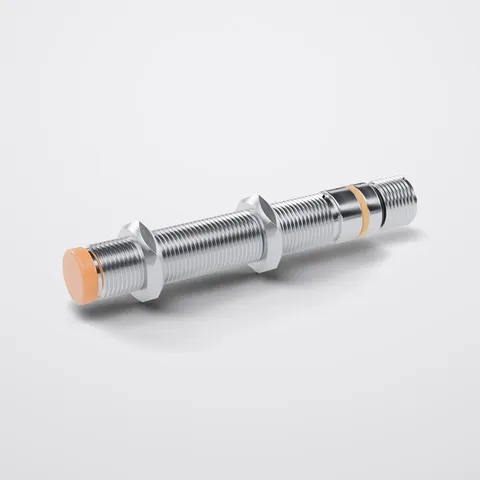
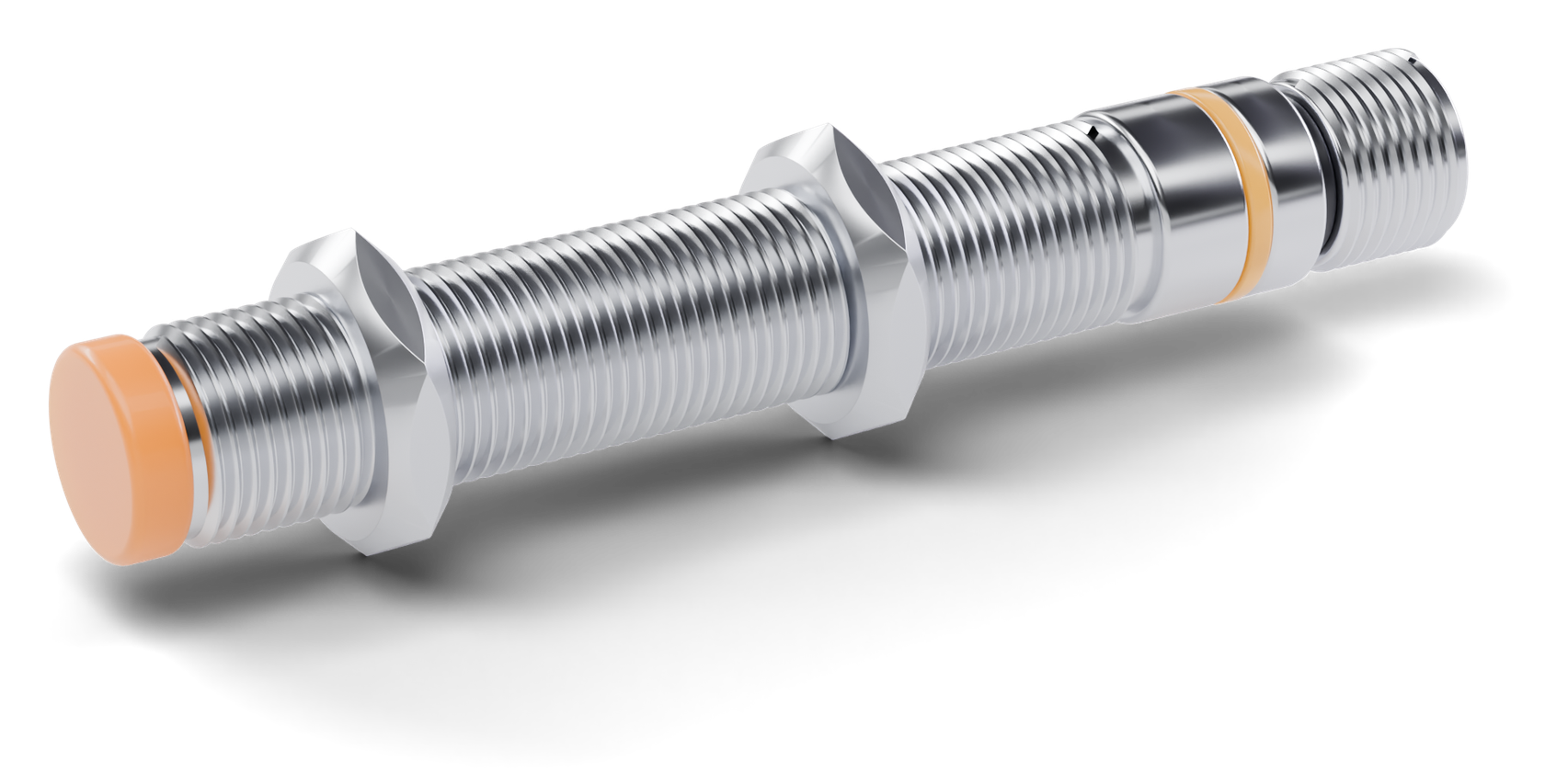
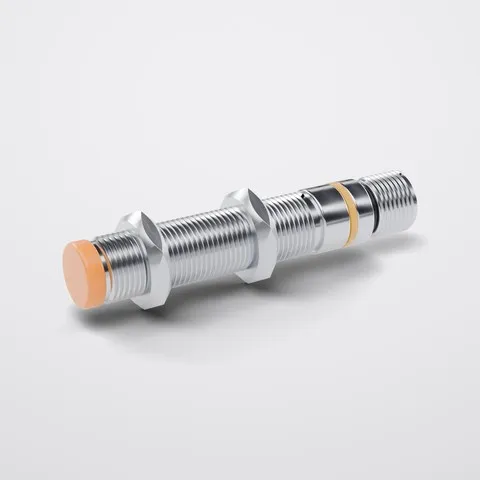 M12 inductive sensor PNP 2 variants DEMO-SEN-001 Inductive sensors M12 inductive sensor PNP NC DEMO-SEN-001-NC Inductive sensors M12 inductive sensor PNP NO DEMO-SEN-001-NO Inductive sensors
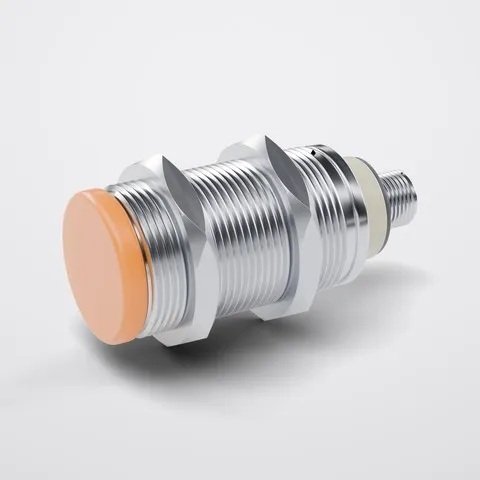
 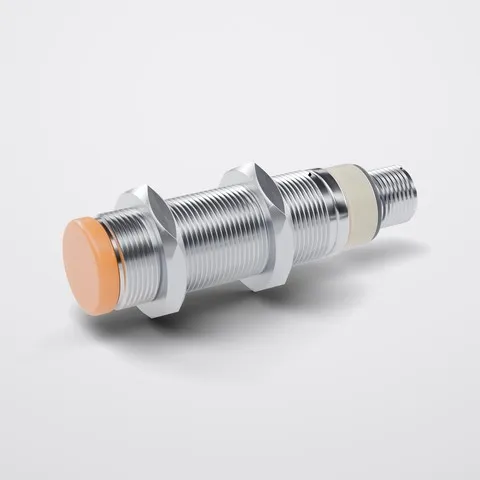 M18 inductive sensor PNP 2 variants DEMO-SEN-002 Inductive sensors
 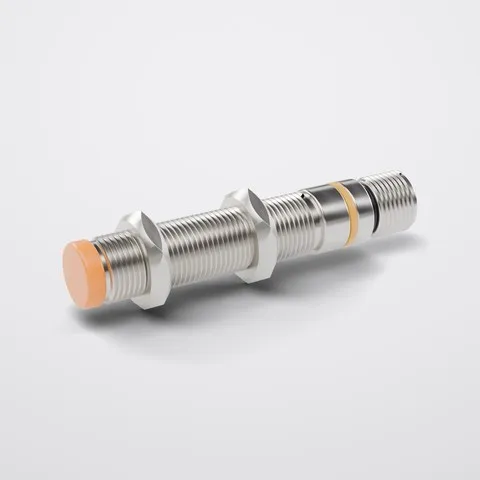 M12 inductive sensor PNP brass DEMO-SEN-015 Inductive sensors
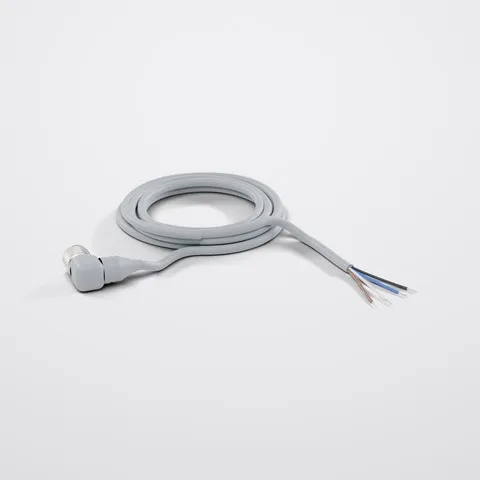
 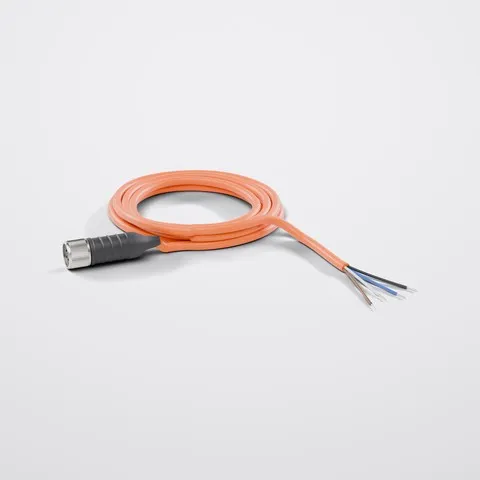 M12 straight sensor cable 2 m DEMO-CAB-001 Sensor cables
 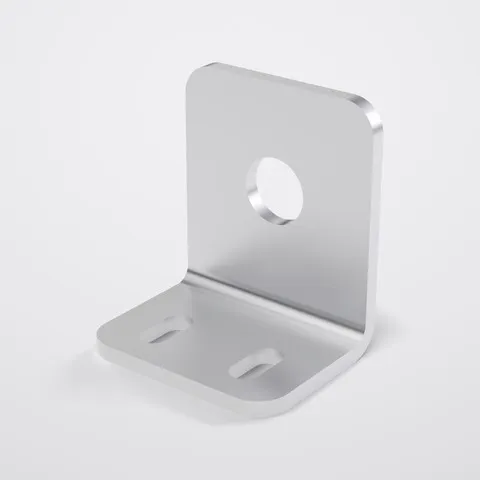 M12 angle mounting bracket DEMO-MNT-001 Mounting brackets Products M12 inductive sensor PNP
 M12 inductive sensor PNP Inductive sensorsSKU: DEMO-SEN-001
English (default) Save
Product Data Variants Relations Categories
Variants (2) Add variant
Variant M12 inductive sensor PNP NC SKU: DEMO-SEN-001-NC
Variant M12 inductive sensor PNP NO SKU: DEMO-SEN-001-NO
Products Family Inductive sensors
Inductive sensors 17
Sensor cables 15
Mounting brackets 12
Variants under their product The NC and NO versions of the M12 sensor stay under one main product in the list and on its page.
Inductive sensors
Families
A family sets the attribute groups its products use and whether they can have variants.
DEMO-SEN-0012 variants
Variants
NO and NC versions of a sensor stay under one main product, not in a second list.
Sensor cables15
Counts on the family filter
The product list shows how many products each family holds, without variants.
Filters (1)Material
Search and filters
Search by name, SKU or family and combine attribute conditions in filter groups.