01Trees
Several trees for several channels.
Your webshop and a marketplace can sort the same products differently. Each tree has its own categories and product count.
 Categories B2B webshop
 B2B webshop
14 categories · 44 products
Add root
Industrial automation
Sensors
Inductive sensors
Capacitive sensors
Photoelectric sensors
Connectivity
Mounting
NameSKU
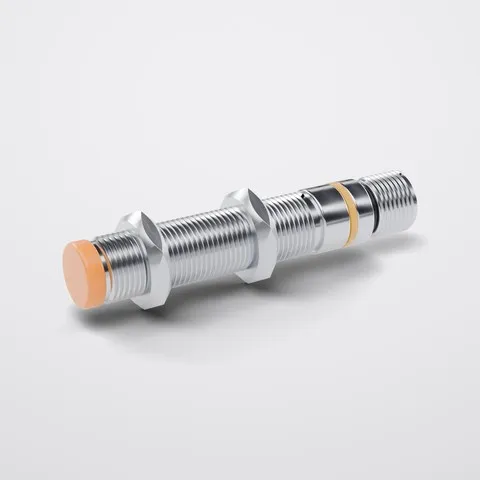 M12 inductive sensor PNP DEMO-SEN-001
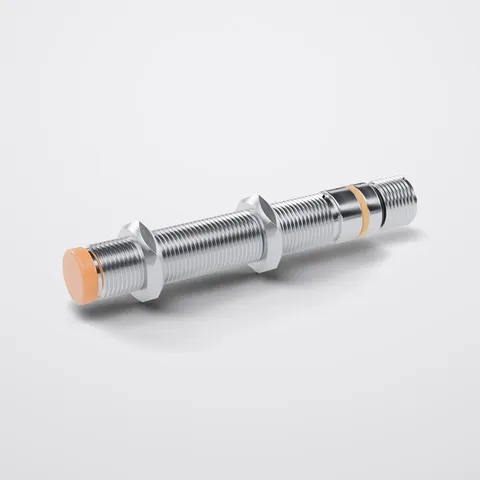
 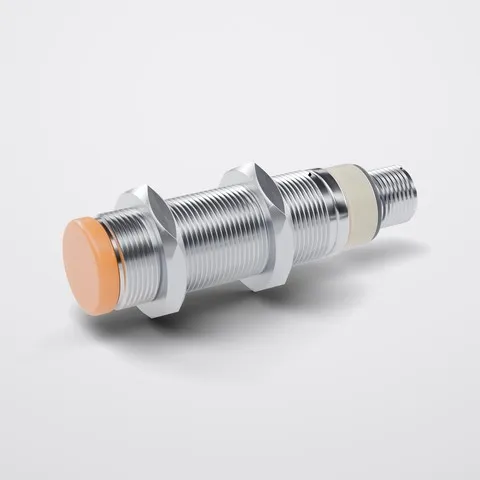 M18 inductive sensor PNP DEMO-SEN-002
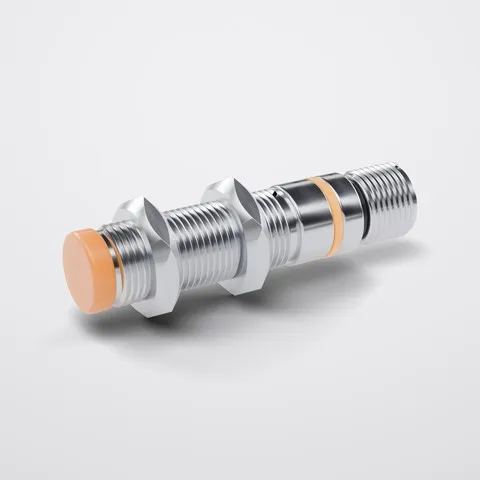
 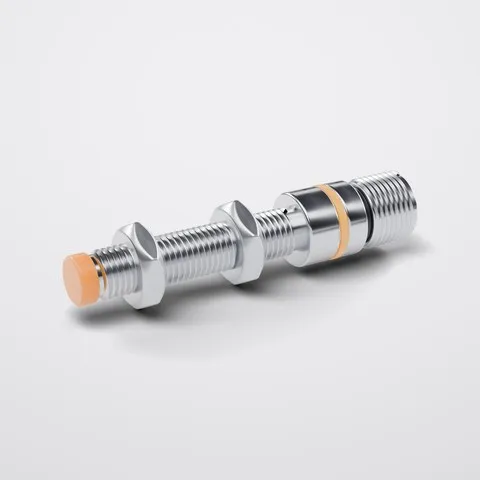 M8 inductive sensor PNP DEMO-SEN-003
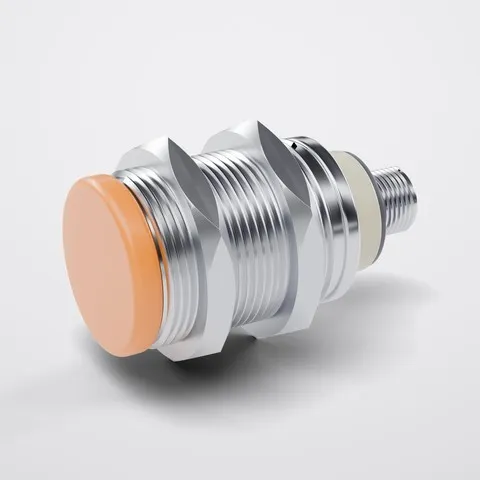
 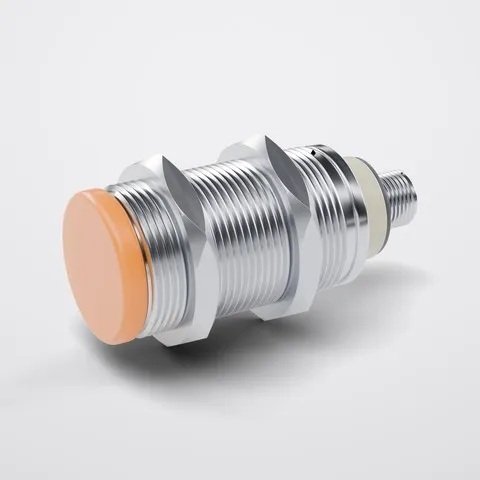 M30 inductive sensor PNP DEMO-SEN-004 Categories
 Categories
Showing 3 trees
New tree
NameCodeCategoriesProducts
B2B webshop demo_webshop 14 44
Industrial components demo_industrial 3 30
Marketplace demo_marketplace 7 44
Categories Marketplace 7 categories · 44 products
Sensors and switches
Proximity sensors
Optical sensors
Cables and connectors
Cables
Connectors and distribution
Mounting hardware
The same products, sorted twice The B2B webshop and the Marketplace tree both hold all 44 products, in their own structure.
B2B webshopMarketplace
Parallel trees
Add a tree for each channel or purpose. The same product can sit in every one of them.
Categories7Products44
Counts per tree
The list of trees shows how many categories and products each one holds.
demo_marketplace
Codes
Every tree and category has a code of its own, fixed once it is created.
LanguageEnglish
Names per language
Category names can be entered in every catalogue language.