AI import

Every supplier file,
ready for your catalogue.

openProd reads PDFs, spreadsheets and pasted text, maps each value to your data model and asks you only about what is uncertain.

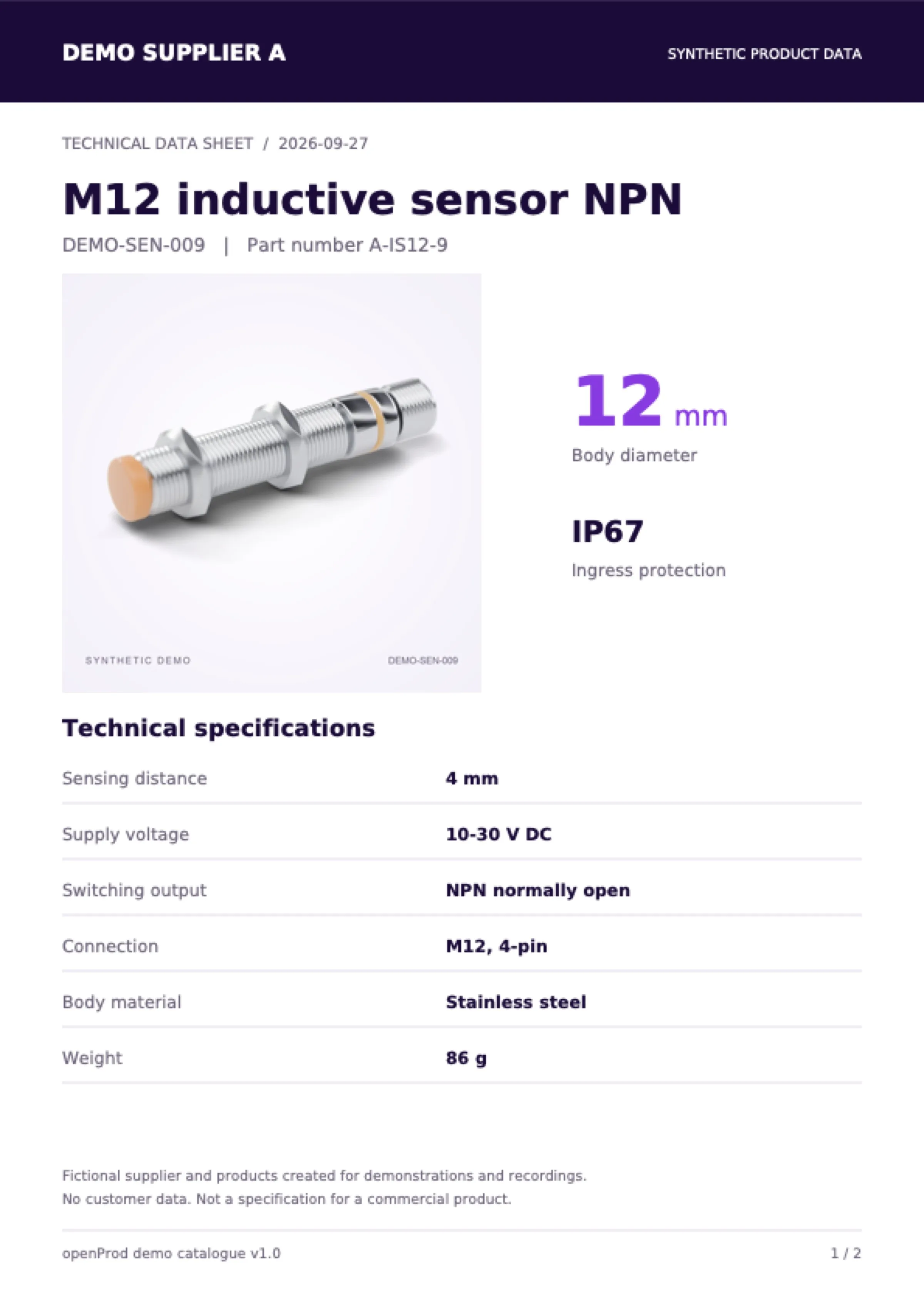
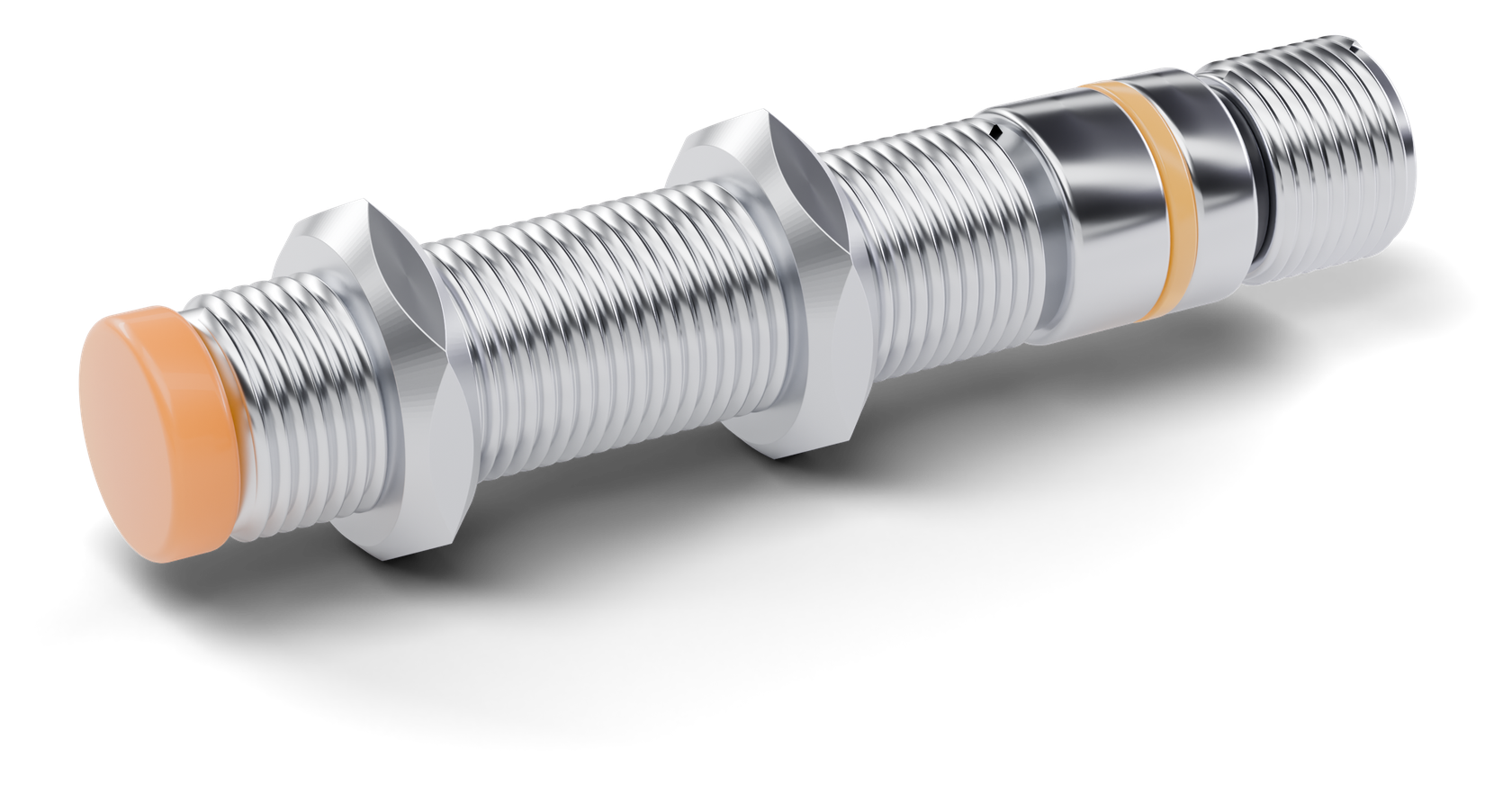
M12 inductive sensor NPN, stainless steel body with an orange sensing face
Body diameter Ready 12 mm
Material Dictionary Stainless steel becomes stainless_steel
Sensing distance Ready 4 mm
M12 inductive sensor NPN DEMO-SEN-009Inductive sensors
Body diameter
12 mm
Ingress protection
IP67
Sensing distance
4 mm
Material
stainless_steel
Saved to catalog 10 values

01Read

Read any supplier file.

Drop in data sheets and spreadsheets, pick files from your assets or paste text. Every value keeps a link to where it was read.

Every value keeps its source The supplier PDF stays linked to the import. Open it to check any value.
2 pages2 images

PDF data sheets

Product names and specification tables in supplier PDFs become product values.

Data file87 B

Spreadsheets and CSV

Price lists and update files go into the same import as the data sheets.

Asset libraryPaste text

Assets or pasted text

Use files already in your asset library, or paste product text from an email.

Show in sourcep. 1

Show in source

Open the file a value came from, without searching the whole document.
02Map

Map to your data model.

Values land on the attributes, units and dictionary codes you already use. openProd suggests the product family. You confirm it.

One family for the whole import Every product in the import needs a family. Choose it once, from the suggestion or your own list.
weight→Weight

Your attributes

Each value is matched to an attribute of your own catalogue, not to a generic template.

0.09kg→90

Units converted

A weight read as 0.09 kg is saved as 90, in the unit your attribute expects.

stainless_steel

Dictionary codes

Stainless steel becomes stainless_steel, the code your dictionary uses.

12 of 12attributes

A family you confirm

The suggestion shows how many attributes match. Nothing is set until you choose.

03Decide

Decide only what is uncertain.

Clear values go straight through. Conversions and values without an attribute wait for your decision, with the source one click away.

One question per case A weight read in kilograms waits for your yes. The source row is one click away.
19 of 40values ready

Clear values pass

Values that need no decision are ready to import. You see how many before you start.

0.09kg→90 g

Value conversions

Compare the value as read with the value after conversion, then save it or skip it.

13 valuesOptional

Values without an attribute

Values your model has no attribute for are listed separately. Deciding on them is optional.

Undo last decision

Undo last decision

Changed your mind? Step back one decision and choose again.

04Preview

See every change before saving.

The preview separates new products from updates and shows each value that changes. Nothing is written until you save.

Checked before it is written The update shows the weight in the catalog now and after import. Saving writes the checked result.
DEMO-SEN-001Update

New products and updates

New products and updates to existing ones are listed together, each with its source file.

86 g→90 gValue changes

Value changes

For an update, see what is in the catalog now and what it will be after import.

Save to catalog

Save to catalog

One click writes the checked result. Until then the catalog stays unchanged.

Write verified

Import finished

After saving, openProd confirms that the saved data matches the checked result.

05Cost

AI cost you approve.

Before the analysis starts, the run dialog shows the credit estimate. The AI runs only after you accept it.

The estimate comes first Credits are estimated from similar imports. The analysis runs only after you accept.
5–9 credits

Estimate first

The estimate is based on similar imports and comes with the expected time.

I accept credit usage

You accept every run

The analysis starts only after you accept credit usage for this action.

Credits 5

Credits per import

The import list shows the credits each import used, next to its status.

Catalog unchanged

Nothing written yet

The analysis only proposes data for you to check. Your catalogue is not touched.

Bring a supplier file. See it in your model.

Walk through a real PDF or spreadsheet with your own data model in the demo.