Switch from spreadsheets

From spreadsheets
to a catalogue.

Start with one supplier file. openProd turns it into products with families, attributes and a history of every value, and you can still export a spreadsheet whenever you need one.

Your week

Where the spreadsheet hours go.

Most teams start with spreadsheets, and they work until more suppliers, languages and people join in.

  • The supplier file never matches our columns.

    openProd maps each value to an attribute of your catalogue, whatever the layout of the file.

    Material → stainless_steel
  • Which one is the latest file?

    There is one catalogue. Every save becomes a version, with who changed which value, before and after.

    Version 6
  • The shop still needs a spreadsheet.

    Export the product Canvas to CSV or XLSX, with attribute names or codes as headers.

    Export canvas · Excel

What changes

Same products, a structure that holds.

Spreadsheets are good at many things. A catalogue that several people and suppliers feed needs a little more.

In a spreadsheet In openProd
A column for each property Attributes with a type, a unit or a dictionary of allowed options
A tab for each kind of product Product families that share one structure, with variants under their main product
Values copied from supplier PDFs An import that reads the file and asks only about what is uncertain
File versions and email threads Version history for every product and an audit log of who changed what
File paths to images and datasheets An asset library, with files linked to the products that use them
Everyone edits the same file Users and roles, so each person sees the actions they are allowed

01AI import

Start with one supplier file.

Load a data sheet or a spreadsheet. openProd suggests a product family for it and maps each value to an attribute. You confirm.

One family for the whole import Every product in the import needs a family. Choose it once, from the suggestion or your own list.
  • Families from your file

    A file that mixes kinds of products can be split into families by its category column.

  • Large workbooks

    A workbook too large for one analysis is read and saved in parts.

  • Nothing written yet

    The analysis only proposes data. You decide, preview and then save.
02Product catalogue

Columns become attributes.

Define an attribute once, with its type, unit or dictionary, and every product in the family follows it.

Options come from a dictionary Material is a select attribute. Its seven options, each with a code and a name, live in the Material dictionary.
  • Types that fit

    Text, numbers with units, dictionary options, links, tables, images and files.

  • Every language

    Names and localised values in each catalogue language.

  • A grid when you want one

    The Canvas shows a family as a spreadsheet you can edit and export.

03Assets

Images and datasheets, next to the product.

Instead of a file path in a cell, files live in the asset library, in folders, linked to the products that use them.

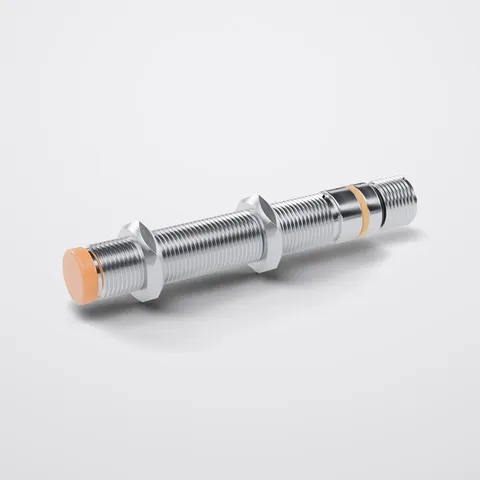
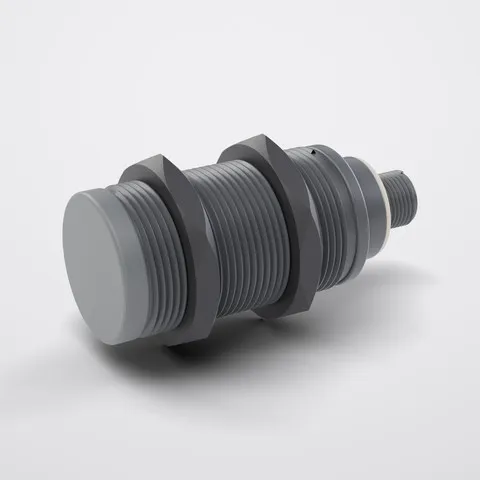
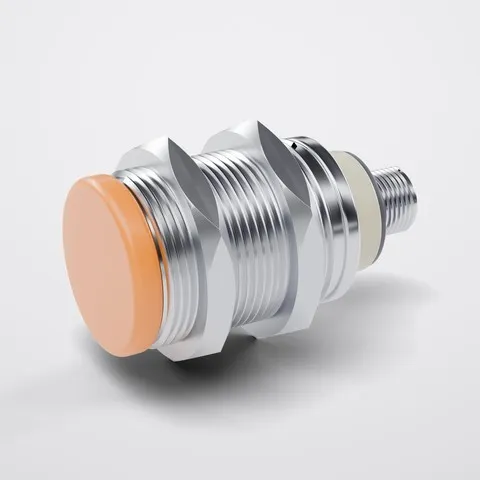
The product shows the file you keep The main image of the M12 sensor is the packshot in Product images, chosen from the asset library.
  • Folders for each supplier

    Keep the files as received next to images and datasheets.

  • Files as values

    A product holds an image, a gallery, a video or files, chosen from the library.

  • New versions

    Upload a new version of a file and keep its public link.

Where your catalogue lives

Keep your catalogue in openProd, or send it on to your PIM.

Use openProd in front of your PIM, or keep your catalogue in openProd. Either way, you start with one supplier file.

Keep it in openProd

Products, families, assets and category trees in one workspace, with roles, version history and an audit log.

Send it on to your PIM

If you run Pimcore, Akeneo or Ergonode, openProd prepares supplier data in front of it.

Get a spreadsheet out

Export the product Canvas to CSV or XLSX whenever someone needs a file.

Questions

Before you close the spreadsheet.

Can our suppliers keep sending spreadsheets?

Yes. Spreadsheets, CSV files and PDF data sheets are exactly what openProd imports. Each file is read, mapped to your model and checked before anything is saved.

Can we still get a spreadsheet out?

Yes. The product Canvas exports to CSV or XLSX, with attribute names or codes as headers.

Do we need a PIM to use openProd?

No. You can keep your catalogue in openProd. If you run Pimcore, Akeneo or Ergonode, openProd prepares supplier data in front of it.

Where do we start?

With one supplier file and one product family. In the demo, we load one of your files and map it to a structure that fits your products.

What about our largest workbook?

A workbook too large for a single analysis is read and saved in parts by rows. You see a warning before a paid analysis of a very large source.

Who can change the catalogue?

Users are invited by email and work within their roles. Administrators decide who can edit products, run imports and save them to the catalogue.

Bring the spreadsheet you use today. See it as a catalogue.

In the demo, we take one of your files and turn it into products with families, attributes and history.